AI Strategy
4 min read
Cost per Accepted AI Output: A Pilot Scorecard
Calculate the full cost of an AI workflow, including review, retries, and manual fallback. Use a worked example and a reusable pilot scorecard.
Manish Singh
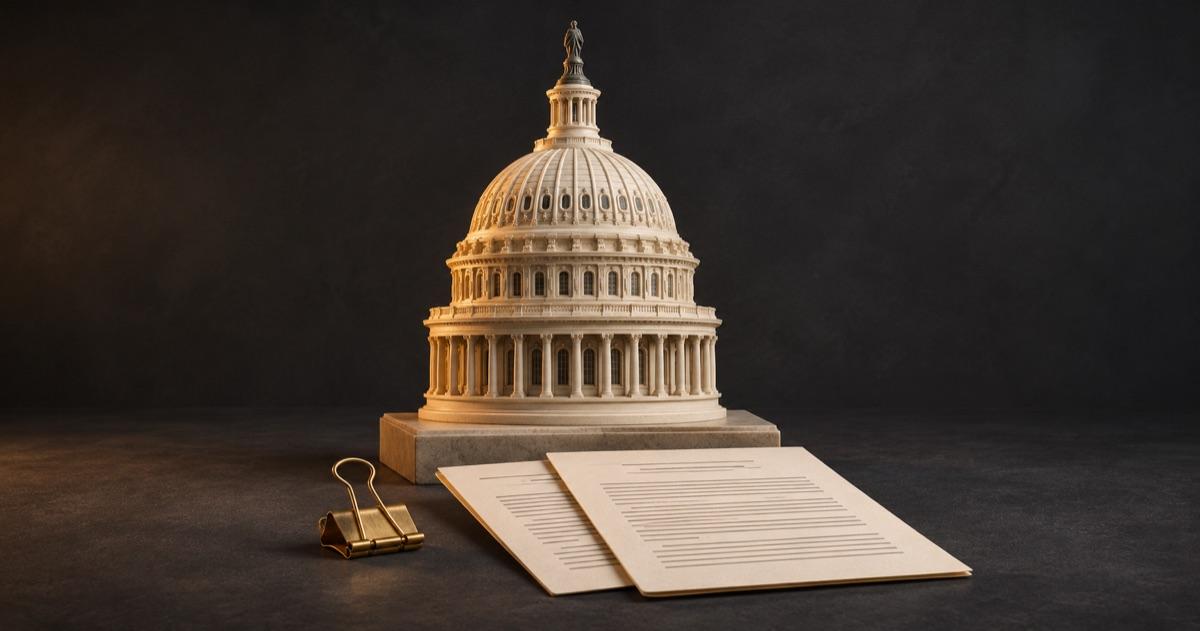
U.S. representatives, senators, and their staff can use approved AI tools to draft bill comparisons, organize public hearing materials, and prepare replies to routine constituent questions. Start with a public source or a synthetic example, keep a citation next to each factual claim, and assign a staff reviewer with the authority to approve the result.
I help public leaders and their teams practice those steps on official office work. A chief of staff might bring a blank briefing format. A legislative director might bring two published bill versions. A district or state office lead might bring a fictional inquiry about a public service. We use the session to see whether a draft holds up when a staff member checks the sources.
Use the full texts with the Congress number, bill identifier, version, and date recorded. Ask for a table with the section, the earlier wording, the later wording, and an exact location in each document. Give the draft a separate field for questions a legislative analyst should resolve.
Imagine a later version changes a reporting deadline from 60 to 90 days after an award. A usable draft would specify which provision changed and link both versions. The staff reviewer reads the surrounding definitions and checks who the deadline applies to before circulating the comparison. GovInfo provides published versions of bills at different stages of the legislative process. U.S. Government Publishing Office guide to congressional bills.
Start with public witness statements, a committee's posted materials, and the office's briefing format. Have AI group the material by issue and tie each point to a speaker and source page. Put questions for follow-up in a separate part of the brief so staff can tell which lines describe the public record and which are proposed questions.
One practical check is to open every quotation and compare it with the original statement. Check the speaker, date, and page, especially when several witnesses use similar language. Published hearings from the House and Senate are available through GovInfo. U.S. Government Publishing Office guide to congressional hearings.
Use a fictional inquiry about finding an agency contact or locating a benefit's public application page. Give the tool the current agency page and an approved office template. Ask for a short response that directs the person to the relevant public information and flags anything a staff member should check.
For real casework, keep constituent identifiers, correspondence, and supporting documents in the office's authorized systems. Have staff verify the destination link and instructions before sending any approved reply. A synthetic example lets the team practice that handoff without exposing a constituent's record.
The House's AI policy establishes a process for the Chief Administrative Officer to review tools and the Committee on House Administration to approve them for specified uses. Check the current tool, use case, and data permissions for your office before using AI in official work. House Artificial Intelligence Policy fact sheet.
Senate offices should confirm their applicable tool and data rules with their office and institutional technology staff. The Senate's technology resources rules assign each Senate office responsibility for oversight of its use of Senate technology and for applying the Sergeant at Arms' information security guidance. U.S. Senate Internet Services and Technology Resources Usage Rules.
Agree on the source material, where the draft goes, and who signs off. Try one example with a missing page or a visibly outdated document. A good workflow should flag the issue for a person to resolve. Track how long staff take to reach a verified draft and how many corrections they make.
Bring two public bill versions, a published hearing packet, or a mock constituent question. In a private coaching session, we can build the draft together and have a staff member follow every citation back to the source. We'll turn the exercise into a reusable template, a short review checklist, and a clear handoff to the office's existing approval process.
For a chief of staff planning team training, we can start with one legislative or constituent-service workflow and a small group of staff who already own that work. Tell me which document takes the most time to verify and what your office needs to see before adopting a new process. Find a free 20-minute discovery call for public-sector AI coaching.
For coaching and team training formats, see AI training for government and public leaders.
With authorization for the task, staff can use AI to create a first draft of a bill comparison, public hearing brief, or response to a routine question. Staff verify citations and facts against the original material and use their office's approval process for the final work.
AI can organize relevant sections and compare published versions. Staff should verify the cited sections, check cross-references and effective dates, and ask the appropriate legislative or legal experts to resolve questions about interpretation.
Start training with fictional inquiries. For live casework, follow the chamber's and office's rules on approved tools and handling of constituent records. Staff should verify any draft instructions and approve the outgoing response.
Yes. Substitute public records from your jurisdiction, such as an ordinance, meeting packet, or public service notice. Confirm your own office's approved tools and records rules, and give the final draft to the staff member responsible for that work.
Bring a public bill, a hearing packet, or a fictional constituent inquiry. We’ll draft from the source and set up a review checklist your staff can reuse.
More insights on AI, product, and shipping real things.
AI Strategy
Calculate the full cost of an AI workflow, including review, retries, and manual fallback. Use a worked example and a reusable pilot scorecard.
AI for Nonprofits
Build a 30-day AI pilot for your nonprofit. Learn how to screen grants, draft impact reports, and write donor updates with staff review.
GovTech
A guide for government executives to test AI on program briefings, measure the review workload, and decide what is ready for wider use.