I set up open-source apps and local LLMs on your Mac, PC, or cloud.
OpenClaw, Claude Code, Ollama, LM Studio, n8n, Dify — I install and configure them in a live session. You watch, you learn, you own it. No subscriptions.
Mac (Apple Silicon & Intel) · Windows · Cloud VPS. From $99/session.
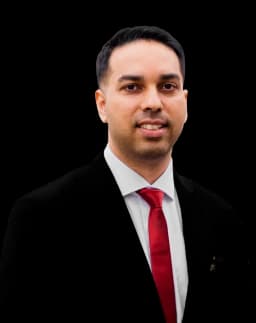
Manish Singh
Open Source AI Setup Expert
What I Work With
These are the open-source AI tools I install and configure in live sessions. All free software — you just need someone who knows how to set them up right.
OpenClaw
⭐ 250k+Personal AI agent that runs on your machine. Persistent memory, tool use, works from WhatsApp, Slack, Discord. The closest thing to JARVIS — fully open source.
Claude Code
⭐ 110k+Anthropic's CLI and Desktop App for agentic coding. Edit files, run commands, search codebases, manage git — all from the terminal or app.
Ollama
⭐ 170k+Run LLMs locally with one command. Llama 3, Mistral, Gemma, Phi, DeepSeek, and 100+ models. The foundation of any local AI setup.
LM Studio
⭐ 40k+Desktop app to discover, download, and run local LLMs. Clean UI, one-click model installs, built-in chat. Great for Mac and Windows.
Open WebUI
⭐ 130k+ChatGPT-style chat interface for local models. Connects to Ollama, supports RAG, multi-model switching, and plugins.
n8n
⭐ 180k+Self-hosted workflow automation with 400+ integrations. Connect AI models to your business processes. Zapier alternative you actually own.
Dify
⭐ 140k+Visual AI app builder with RAG pipelines and agent workflows. Build and self-host your own AI applications without writing code.
ComfyUI
⭐ 110k+Node-based UI for Stable Diffusion and image generation. Complex AI art workflows, but GPU setup and model management can be tricky.
Pick a Tool. Book a Session. I Set It Up.
Live screen-share on Google Meet. You watch everything I do, ask questions, and walk away with a working setup plus a written guide.
OpenClaw Setup
I install OpenClaw on your Mac, Windows, or cloud VPS and configure skills, memory, and integrations. You get a working AI agent that talks to you from WhatsApp, Slack, or Discord — connected to a local or cloud LLM. You pay for server costs if you choose cloud.
Claude Code Setup
I set up Claude Code CLI and Desktop App on your machine. API keys, model config, custom instructions (CLAUDE.md), MCP servers, and project rules — configured so you can start coding with it immediately.
Local AI Studio
I set up LM Studio or Ollama on your Mac or Windows machine with Open WebUI as your chat interface. Model selection based on your hardware, performance tuning, and a walkthrough so you can chat with local AI — no subscriptions, no data leaving your machine.
Any Open Source App
I install and configure any open-source app on your Mac, Windows, or cloud VPS. Workflow automation (n8n, Dify), image generation (ComfyUI), chat interfaces (LibreChat, Anything LLM), or anything on GitHub you need running.
Why People Are Switching to Self-Hosted AI
Same capabilities as paid tools. No monthly fees. No data leaving your machine.
Your Data Stays Yours
Nothing leaves your machine. No cloud provider reads your prompts, stores your code, or trains on your conversations. If you care about privacy, self-hosted is the only real option.
No Monthly Subscriptions
ChatGPT Plus is $20/mo. Claude Pro is $20/mo. Cursor Pro is $20/mo. Local AI tools are free. The software costs $0 — you just need someone to set it up right.
Works Offline
Local models run without internet. Use AI on a plane, in a restricted network, or anywhere without connectivity. Once it's on your machine, it's yours.
You Control Everything
Custom system prompts, tool configs, model choices. No vendor lock-in, no feature gates, no surprise pricing changes. Swap models anytime.
Mac & Windows Ready
Apple Silicon Macs are excellent for local AI — M1 and up handles 7B models easily, M3/M4 Pro runs 70B. Windows with decent RAM or GPU works great too.
Cloud VPS Option
Don't want to run it locally? A $20-40/month VPS can host Ollama + Open WebUI. You pay for the server, I handle the setup. Still cheaper than subscriptions.
Learn Before You Buy
Practical guides on OpenClaw, Claude Code, and local AI — written for decision-makers, not developers.
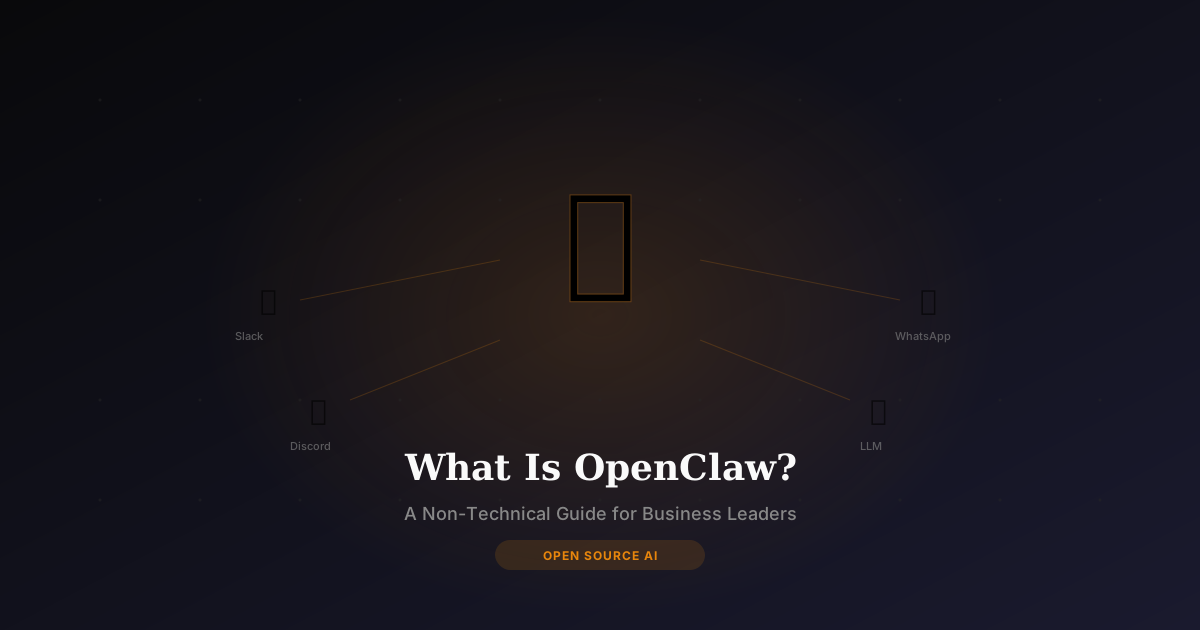
What Is OpenClaw? A Non-Technical Guide for Business Leaders
OpenClaw is the open-source AI agent with 310k+ GitHub stars. Here's what it does, whether it's safe for your business, how it compares to ChatGPT, and what setup actually looks like — explained for directors, PMs, and executives.
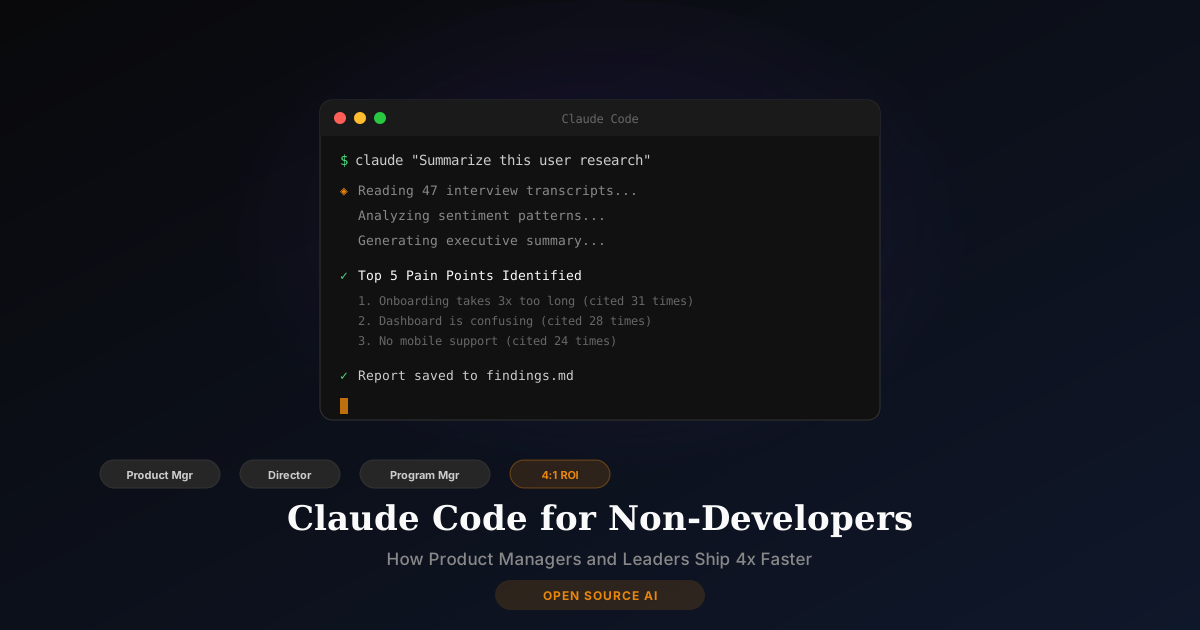
Claude Code for Non-Developers: How Product Managers and Leaders Use AI to Ship Faster
Claude Code isn't just for engineers. Product managers, directors, and business leaders are using it to prototype, analyze data, automate workflows, and ship 4x faster. Here's how to get started — no coding experience required.
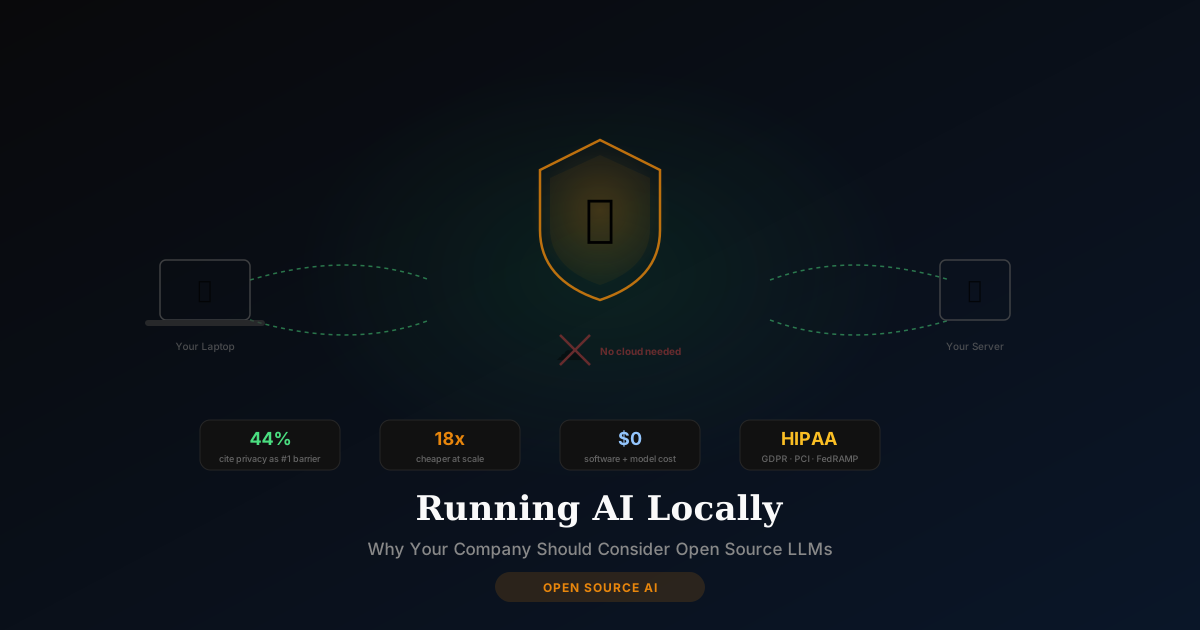
Running AI Locally: Why Your Company Should Consider Open Source LLMs in 2026
44% of organizations cite data privacy as the #1 barrier to AI adoption. Running open-source LLMs locally eliminates that barrier entirely. Here's the business case for self-hosted AI — costs, hardware, compliance, and how to get started.
Not a Strategist. Not a YouTuber. A Builder.
Everything I deliver, I've done in production — at the VA, Fortune 500, the Army, and across 4 of my own products.
Federal DataScience Leadership
Data Science TPM at the VA. Initiated the THINK-TANK for AI exploration and drafted my division's first AI SOP. Real compliance, real scale.
3 Degrees with 2 Masters
MS Data Science (Fordham), MPA in Healthcare & Public Policy (Baruch), BSc in Biochemistry & Math (McNeese). I speak tech, data, safeguard, policy, and compliance.
Army Veteran (SDVOSB)
U.S. Army Veteran (2013–2017). Service-Disabled Veteran-Owned Small Business. Discipline, integrity, and mission-first execution.
400+ Software Beta Tested
Beta tested 400+ software products including 100+ AI tools, and consulted on 20+ SaaS products. I know what separates prototypes from production.
Enterprise & Government
Senior IT Program Manager at Mango Consulting, Economist at Army Corps of Engineers, Paralegal at IRS. I navigate complex organizations.
Builder & Founder
Founded TourSyncer, co-founded Chobhar Inc. Pioneered GenAI with multiple LLMs for SaaS platforms and chatbots. Idea to revenue.
Real Clients. Real Outcomes.
From government contractors to nonprofits to solo founders — here's what working together looks like.

“Manish showed us exactly how to position our veteran-owned business for government AI contracts. He understands both the federal procurement process and the technology — that combination is rare. We walked away with a clear strategy and actionable next steps.”

“I had zero coding experience but wanted my own e-commerce site. Manish taught me how to vibe code it myself — I built and launched bellemayaprints.com in our sessions together. Now I can update it, add products, and make changes without hiring a developer every time.”

“As a nonprofit, every dollar matters. Manish helped our association understand how AI can streamline our tax reporting and technical operations. He explained everything in plain language and gave us tools we could use immediately — no expensive software, no ongoing fees.”

“After 30 years of paper-based legal research, making the jump to AI felt overwhelming. Manish walked me through the transition step by step — which tools are reliable for case law, how to verify AI-generated research, and how to integrate it into my existing workflow. It's transformed how I prepare for cases.”
15-Minute Satisfaction Guarantee — on every service. If you're not seeing value in the first 15 minutes, full refund. No questions asked.
Common Questions
For Mac: Apple Silicon (M1, M2, M3, M4) with at least 16GB of unified memory is ideal for running 7B-8B parameter models. For Windows: A dedicated NVIDIA GPU (RTX 3060 or better) with 12GB+ VRAM is recommended. I will assess your hardware during the session and recommend optimized models (e.g., Llama 3, Mistral, DeepSeek).
Yes. I handle all command-line installation, Docker configurations, and performance tuning via screen-share. I also provide a clear, step-by-step custom guide so you can start, stop, and update your models easily through a browser interface like Open WebUI.
OpenClaw is a highly advanced personal AI agent. Unlike basic local chatbots, it supports long-term memory, agentic tool usage, and integrates directly with messaging channels (Slack, Discord, WhatsApp). Setting it up requires configuring skills, API backends, and secure platform bridges, which we complete together during a 2-hour session.
The Hermes agent refers to advanced agentic workflows powered by OpenHermes-class models, optimized for local function-calling and structured data processing. I provide hands-on screen-share training to install, run, and secure the Hermes agent locally using Ollama or LM Studio, configuring custom rules so it runs offline on your own hardware.
Yes. If you want 24/7 access or your local computer lacks the necessary RAM/GPU, I can deploy Ollama, Open WebUI, n8n, or Dify on a cloud VPS (DigitalOcean, AWS, Hetzner, etc.). You pay the server hosting costs (usually $20-$40/month), and I handle the complete secure deployment.
Mac (Intel and Apple Silicon), Windows (native and WSL2), and cloud VPS (Ubuntu/Debian). I do not support desktop Linux distributions, but I regularly configure and deploy on Linux-based cloud infrastructure.
Every open-source setup session includes post-session support via email/Slack (duration depends on the package) to address configuration bugs. If you need major workflow updates or new integrations later, you can book a single follow-up session.
Want Open Source AI Running on Your Machine?
Free 15-minute call. Tell me what tool you want set up — I'll tell you what's realistic for your hardware and what the session looks like.